Firmware Update Process
This page describes the process for updating the RockFLEET Assured's Application Firmware, Bootloader Firmware, Iridium Transceiver Firmware, and BLE module Firmware, either locally or via over-the-air updates.
Firmware and Config update Over the Air via Cloudloop Device Manager
Cloudloop Device Manager (CDM) allows remote management and troubleshooting of devices and uses Iridium Messaging Transport (IMT)
Any use of Cloudloop Device Manager will result in data usage
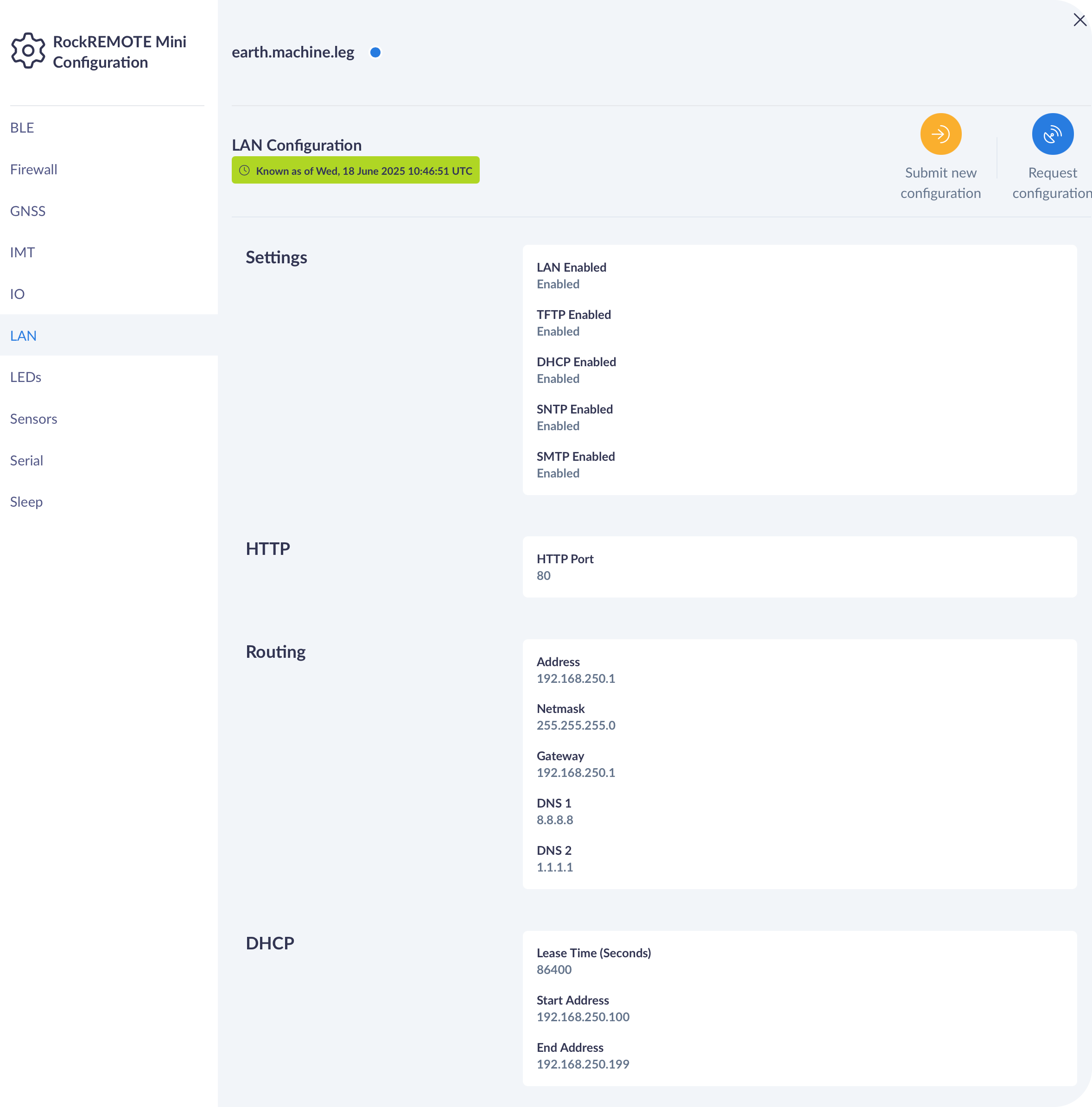
User Configuration update over IMT and CDM
User Configuration update over IMT and CDM
Optimising for lowest possible satellite data usage, the user configuration file is split by sections in CDM.
Each section can be individually requested, and updated.
Firmware update over IMT and CDM
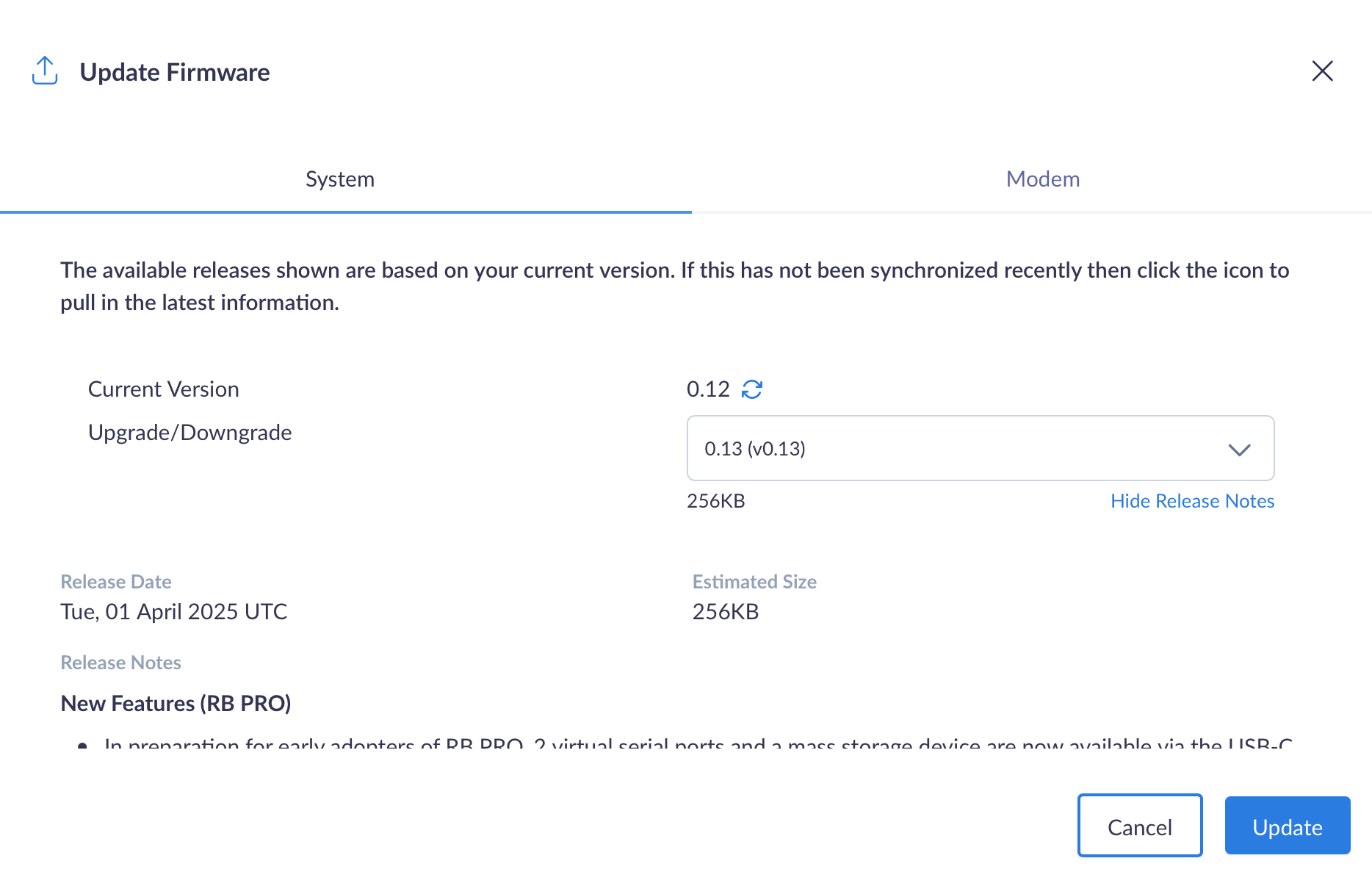
Firmware update over IMT and CDM
CDM allows the upgrade and downgrade of Firmware with the option to check the current version, see the release notes of new versions and the estimated size of the new version.
User Configuration via Bluetooth App
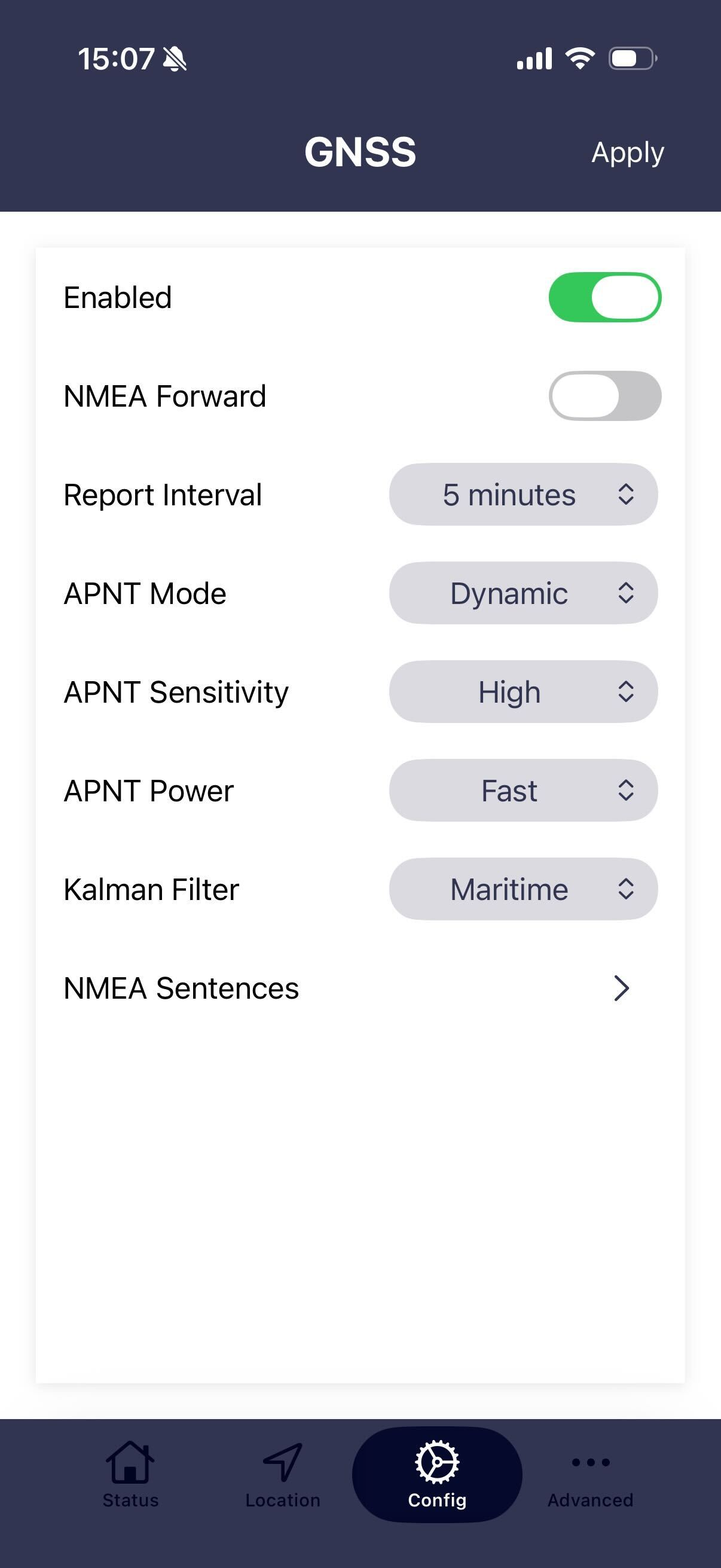
All of the RockFLEET Assured functionalities can be configured and managed via the RockCONNECT IoT
Local Update Process
The local update is only recommended to be carried out by an experienced person or in conjunction with Ground Control Support.
The local update process when carried out by a user is only possible via the Serial cable and mostly follows the same approach as the RockBLOCK Pro Local Update Process